Cosmetics testing
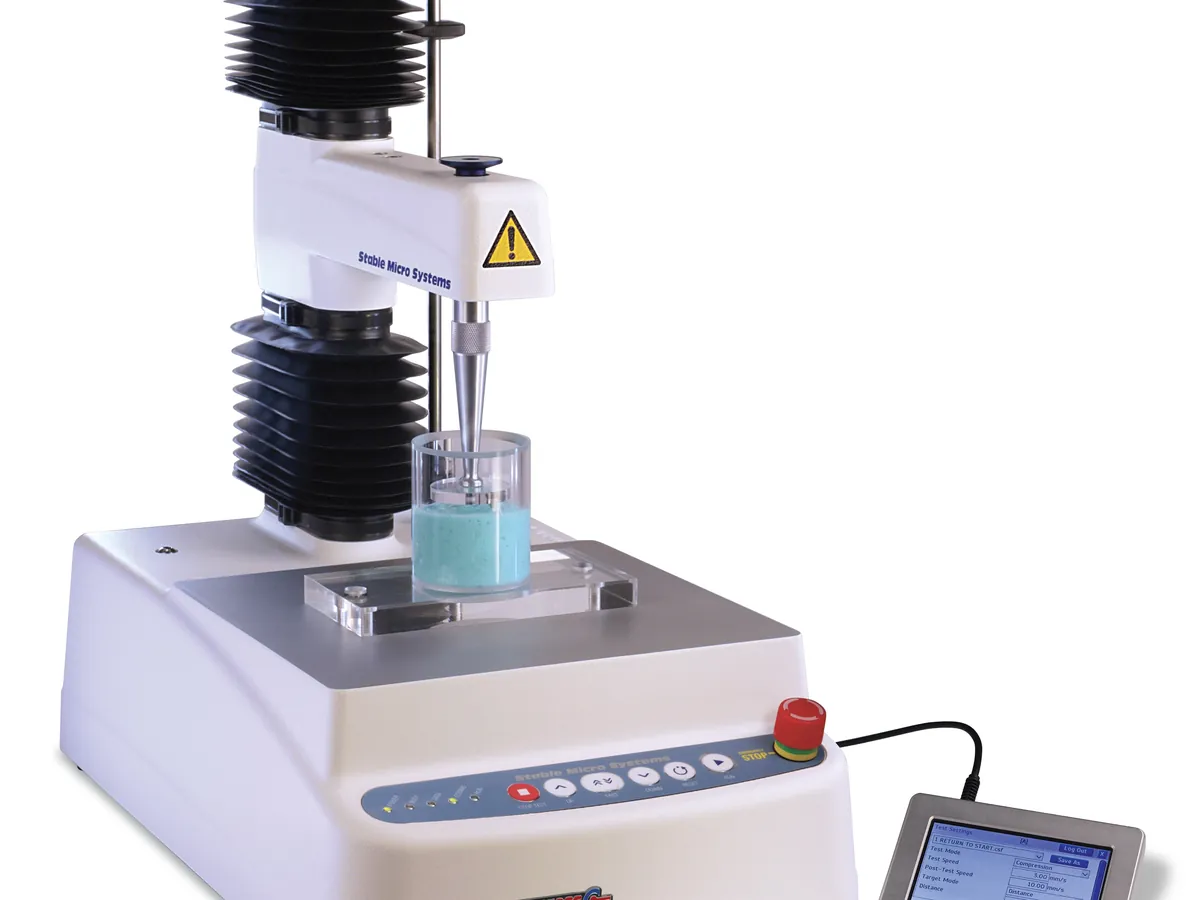
Texture analyser
Moves a probe into, through or away from a sample at a controlled speed and records the force with a load cell. The force–distance curve gives firmness, spreadability, adhesiveness, hardness and break strength of creams, gels, lipsticks and powders.
- Cosmetics & personal care
- Food
- Pharmaceutical semi-solids
- Adhesives
- Packaging
TROUBLESHOOTING
Common problems, causes and fixes
High variability between replicates
Likely causes
- • Inconsistent filling or air pockets
- • Temperature not equilibrated
- • Probe not centred, so wall effects
What to do
- • Standardise filling and rest time
- • Condition samples longer at the test temperature
- • Centre the sample and use a container much wider than the probe
Force reads non-zero with no load
Likely causes
- • Load cell not tared
- • Probe touching something
- • Cable fault or drift
What to do
- • Re-run force calibration and tare
- • Check clearance
- • Inspect cables and contact service
Test starts at the wrong depth
Likely causes
- • Trigger force too high or too low
- • Height not calibrated
What to do
- • Set trigger force to suit the sample
- • Re-run height calibration
Overload error
Likely causes
- • Sample firmer than expected
- • Wrong load cell fitted
- • Probe hit the base or container
What to do
- • Use a higher-capacity load cell
- • Set a force limit and correct test distance
- • Check the load cell for damage before further use
Results drift during a stability study
Likely causes
- • Real product change
- • Different probe or method version
- • Calibration shift
What to do
- • Confirm with viscosity and appearance
- • Lock the method version
- • Check calibration records and a reference sample
In LimsPulse · Calibration Management
Keep every Texture analyser in control: usage logs, calibration and maintenance schedules, and automatic blocking of overdue instruments.