Cosmetics testing
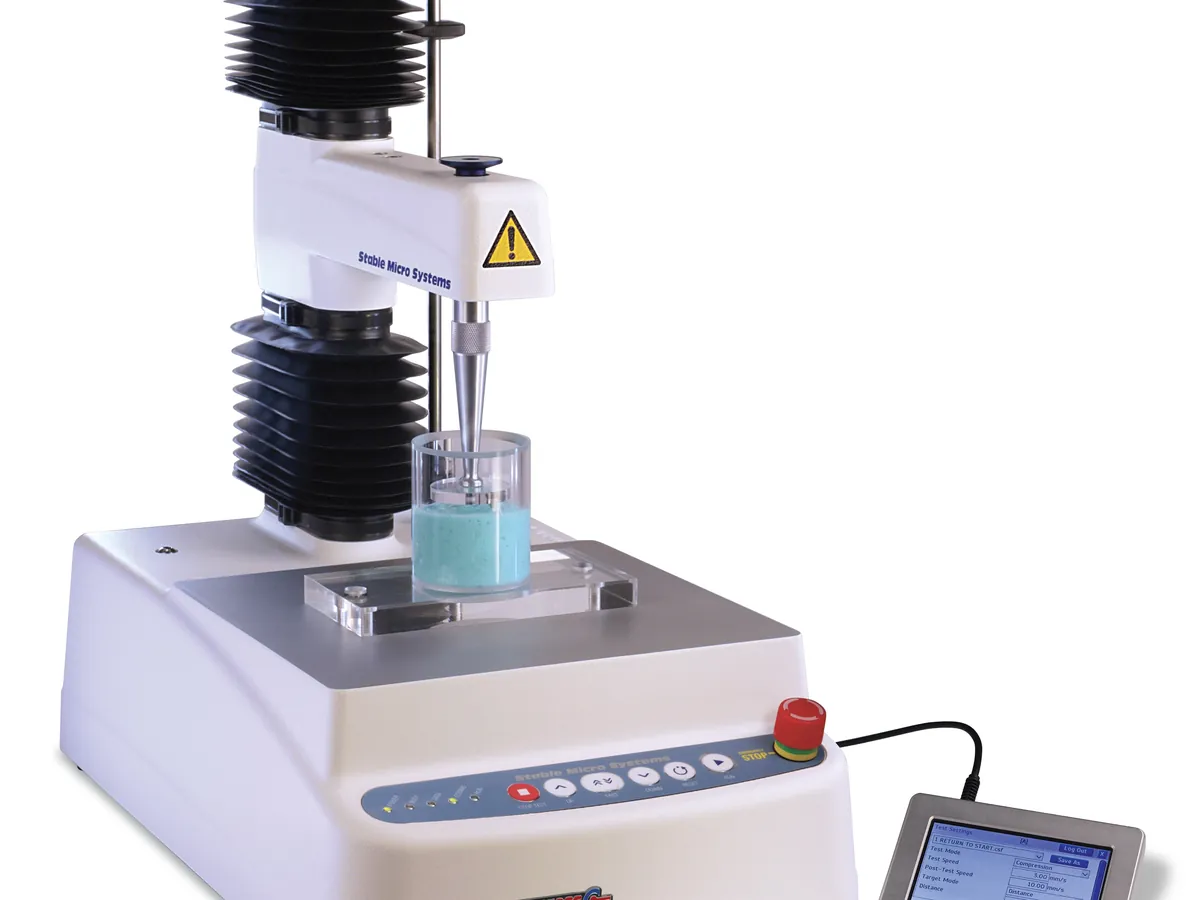
Texture analyser
Moves a probe into, through or away from a sample at a controlled speed and records the force with a load cell. The force–distance curve gives firmness, spreadability, adhesiveness, hardness and break strength of creams, gels, lipsticks and powders.
- Cosmetics & personal care
- Food
- Pharmaceutical semi-solids
- Adhesives
- Packaging
PREVENTIVE MAINTENANCE
Maintenance checklist
Daily / each use
- Force calibration with the certified weight and height calibration
- Clean probes, fixtures and platform
- Check the probe is straight and tightly fitted
Monthly
- Inspect load cell cables and connectors
- Check arm movement is smooth and quiet
- Back up test methods and data
Every 6–12 months
- Force and distance calibration with traceable weights and gauge blocks
- Speed verification
- Preventive maintenance by the supplier
As needed
- Re-verify after an overload, drop or relocation
- Replace bent or damaged probes
SAFETY
Safety precautions
Before you work on the Texture analyser
- The moving arm can trap fingers; keep hands clear during tests.
- Sharp probes (needles, blades) need careful handling and storage.
- Lift heavy fixtures and platforms correctly; avoid dropping them on the load cell.
- Clean product spills promptly to prevent slips and contamination.
In LimsPulse · Calibration Management
Keep every Texture analyser in control: usage logs, calibration and maintenance schedules, and automatic blocking of overdue instruments.