Titration & electrochemistry
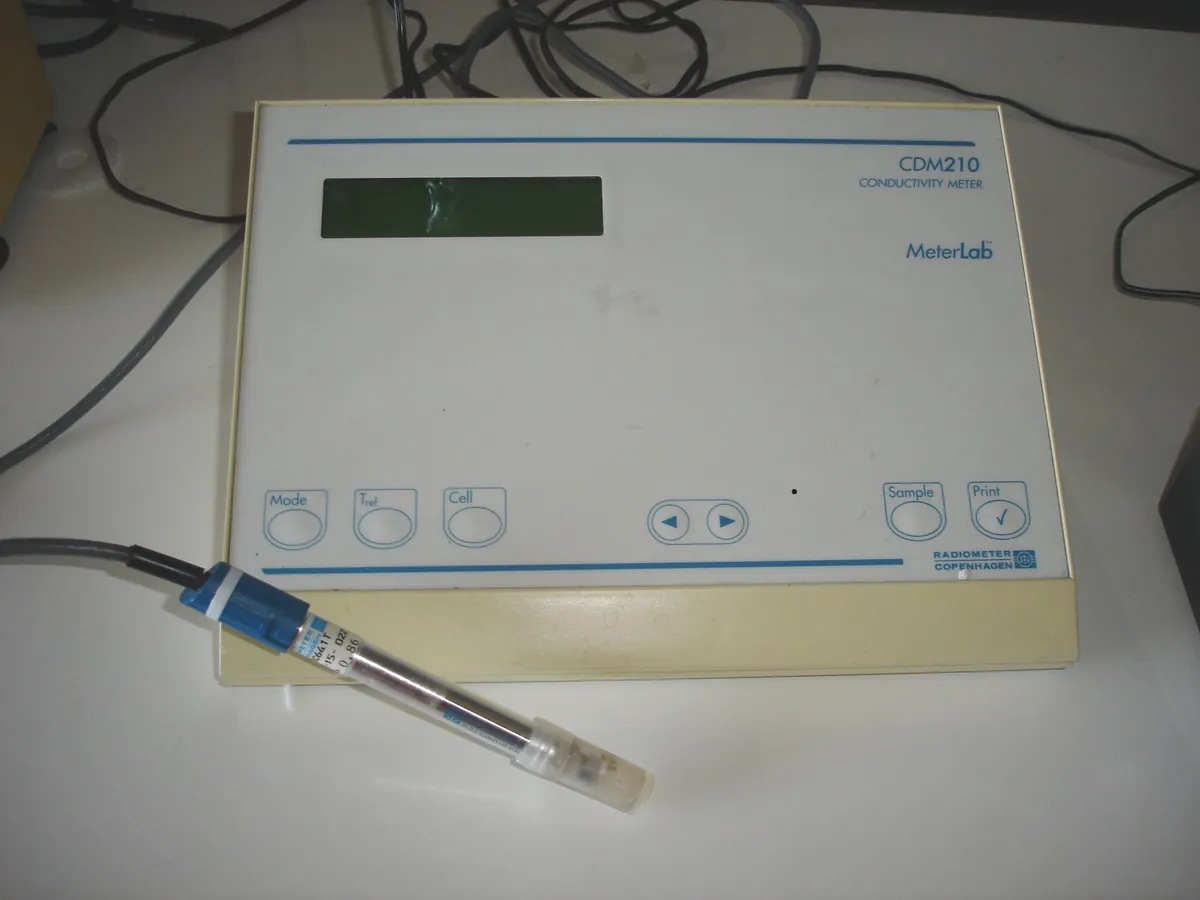
Conductivity meter
Measures how well a solution conducts electricity, which tells you how many ions it contains. In pharma QC it is the main test for the ionic purity of purified water and water for injection.
- Pharmaceutical
- Biotech
- Power generation
- Semiconductor
- Water treatment
- Food & beverage
Follow your site SOP
This is a typical operating sequence for learning. Your instrument model and approved SOP take precedence.
STAGE 1
Before you start
- 1Check the meter's calibration status and that the cell constant entered matches the latest calibration.
- 2Choose a cell suitable for the range (low cell constant, e.g. 0.1 cm⁻¹ or less, for purified water).
- 3Rinse the cell several times with the water to be tested.
- Do not touch or scratch the electrode surfaces; this changes the cell constant.
STAGE 2
Sampling
- 1Collect water in a scrupulously clean container rinsed with the same water, filling it completely.
- 2Measure as soon as possible after sampling to limit carbon dioxide uptake from air.
- 3For online systems, check the sensor is installed in flowing water free of air bubbles.
- Plastic or glass containers that leach ions will raise the result; use containers proven suitable.
STAGE 3
Measurement
- 1Immerse the cell so the electrodes are fully covered and there are no air bubbles.
- 2Switch the temperature compensation off when the test calls for non-compensated conductivity (USP <645> Stage 1).
- 3Wait until the conductivity and temperature readings are stable, then record both.
- Never compare a temperature-compensated reading with a Stage 1 limit.
STAGE 4
After use
- 1Rinse the cell with purified water and store it as the manufacturer recommends (often dry or in purified water).
- 2Complete the instrument log.
In LimsPulse · Calibration Management
Keep every Conductivity meter in control: usage logs, calibration and maintenance schedules, and automatic blocking of overdue instruments.