Bioanalytical
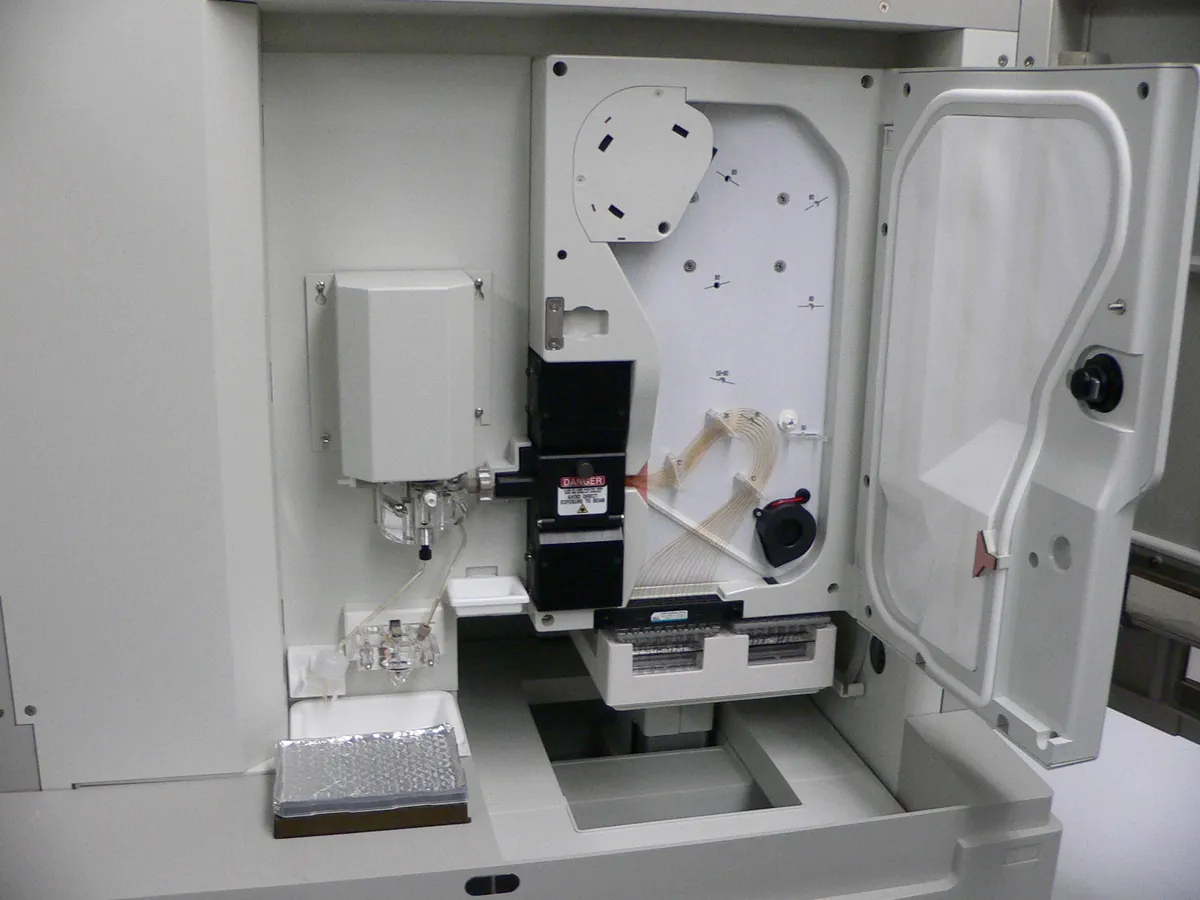
Capillary electrophoresis system
Separates charged molecules in a thin fused-silica capillary under a high voltage (typically up to 30 kV). Used in biologics QC for size purity (CE-SDS), charge variants (cIEF, CZE) and glycan analysis.
- Biotechnology
- Biopharmaceutical
- Pharmaceutical
- Genomics
- Forensic science
- Academic research
Follow your site SOP
This is a typical operating sequence for learning. Your instrument model and approved SOP take precedence.
STAGE 1
Before you start
- 1Check the system is within calibration (temperature and voltage) and the capillary is within its use limit.
- 2Prepare fresh buffers, gel and rinse solutions; degas or centrifuge them as the method says.
- 3Install the capillary cartridge and align the detector window.
- High voltage: never bypass interlocks or open covers while a run is active.
STAGE 2
Conditioning and set-up
- 1Run the capillary conditioning sequence in the method.
- 2Run a blank and a system suitability standard (for example a reference antibody or size standard).
- 3Check current is stable and similar to previous runs; unstable current suggests bubbles or a blockage.
STAGE 3
Sample analysis
- 1Prepare samples as per method (for CE-SDS: SDS, alkylation or reduction, heating).
- 2Load vials in the tray positions in the sequence, with standards bracketing samples.
- 3Run the sequence and review system suitability before sample results.
- 4Integrate peaks consistently and report corrected area per cent.
- Replace buffer vials at the frequency set in the method; buffer depletion shifts migration times.
STAGE 4
Shutdown
- 1Rinse and store the capillary as the method says (often filled with water or storage solution, ends in vials).
- 2Remove and discard used vials.
- 3Back up data and complete the logbook.
In LimsPulse · Calibration Management
Keep every CE in control: usage logs, calibration and maintenance schedules, and automatic blocking of overdue instruments.