Spectroscopy
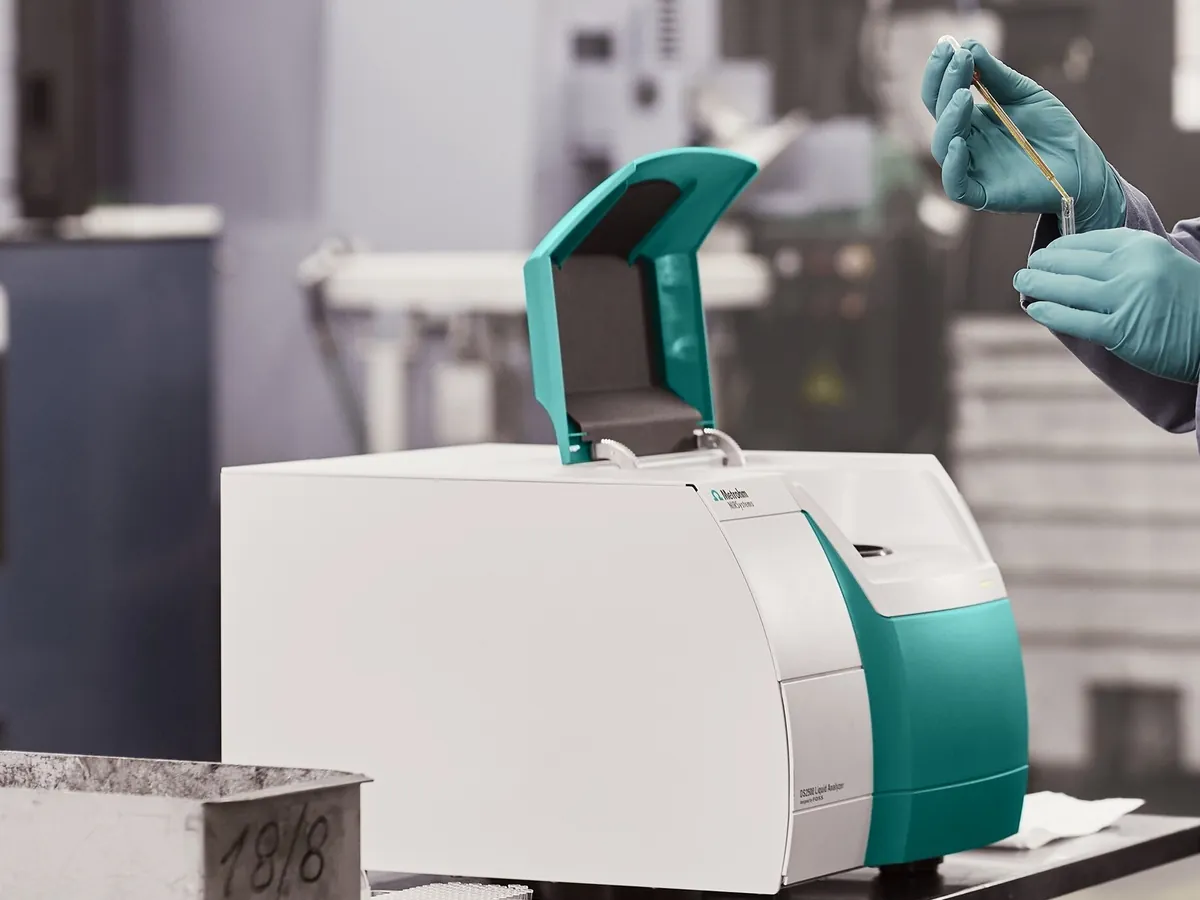
Near-infrared (NIR) spectrometer
Measures how a sample absorbs near-infrared light (about 780–2500 nm) through glass or plastic, in seconds and without sample preparation. Used with chemometric libraries for raw-material identity testing, blend monitoring and moisture.
- Pharmaceutical
- Agriculture & grain
- Food & beverage
- Petrochemical
- Polymers
- Animal feed
Follow your site SOP
This is a typical operating sequence for learning. Your instrument model and approved SOP take precedence.
STAGE 1
Before you start
- 1Check the instrument is within its calibration date and the daily performance check has passed.
- 2Confirm the correct, approved library or model version is selected for the material.
- 3For handheld units, check the battery and that the probe window is clean and undamaged.
- Only use libraries and models that are validated and released under change control.
STAGE 2
Daily performance check
- 1Let the lamp warm up as the manufacturer recommends (often 15–30 minutes for bench units).
- 2Run the built-in tests: wavelength check, photometric noise, and reference (background) scan on the internal or external white standard.
- 3Record the pass/fail result. Do not analyse samples if any test fails.
STAGE 3
Identity testing at the warehouse
- 1Select the material code; the software loads the matching library method.
- 2Press the probe firmly against the inner polyethylene bag (or place the vial on the window), avoiding folds, labels and printed areas.
- 3Acquire the spectrum; the software compares it with the library and reports pass or fail.
- 4Record the result against the container number in the receiving record or LIMS.
- 5Quarantine any container that fails and inform QC; it then follows the full compendial testing or an investigation.
- Do not measure through coloured, thick, laminated or foil-lined packaging unless the method was validated that way.
- A pass means the spectrum matches the library entry. It does not replace other compendial tests such as assay or impurities.
STAGE 4
Shutdown
- 1Wipe the window or probe tip with a lint-free tissue and a little isopropanol if needed.
- 2Log off the software; switch off or dock a handheld unit for charging.
- 3Complete the instrument usage log.
In LimsPulse · Calibration Management
Keep every NIR in control: usage logs, calibration and maintenance schedules, and automatic blocking of overdue instruments.