Physical testing
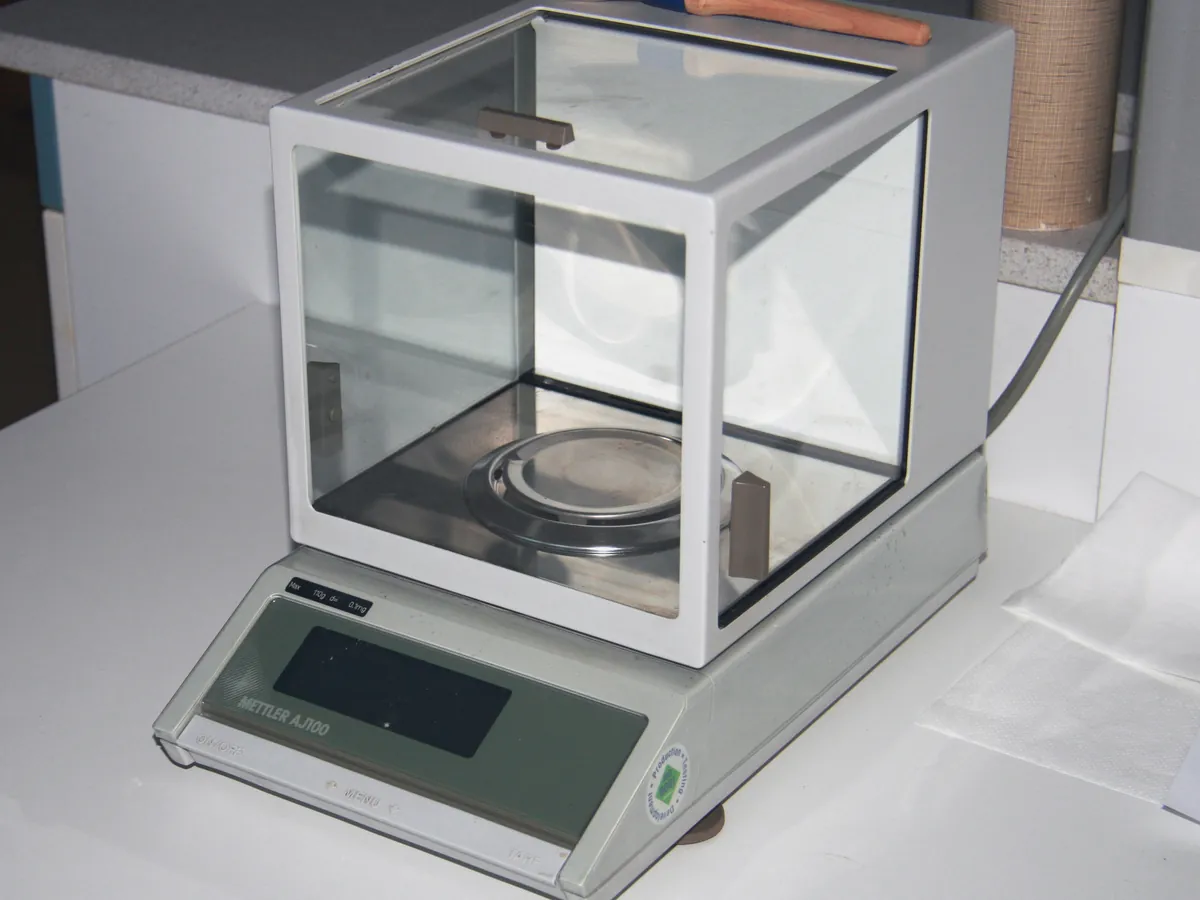
Analytical balance
Measures the mass of a sample very precisely, usually to 0.1 mg or 0.01 mg. Almost every quantitative test in a QC lab starts with a weighing, so the balance is the most used instrument in the lab.
- Pharmaceutical
- Biotech
- Chemicals
- Food & beverage
- Academic research
- Cosmetics
TROUBLESHOOTING
Common problems, causes and fixes
Reading drifts continuously
Likely causes
- • Draught or open door
- • Sample warmer or colder than the room
- • Static charge on the container or sample
- • Sample is absorbing moisture or evaporating
What to do
- • Close all doors and remove draught sources
- • Let the sample reach room temperature
- • Use an anti-static gun or ionising bar, or a metal container
- • Weigh quickly in a closed weighing bottle
Reading does not return to zero
Likely causes
- • Material left on the pan
- • Pan touching the draught shield
- • Temperature change since the last zero
What to do
- • Clean the pan and press zero again
- • Re-seat the pan correctly
- • Allow the balance to stabilise and re-zero
Unstable reading, stability indicator never appears
Likely causes
- • Vibration from nearby equipment or traffic
- • Balance not level
- • Air conditioning blowing on the balance
What to do
- • Move the balance to an anti-vibration table away from pumps and centrifuges
- • Level the balance
- • Redirect the air flow or fit a cover
Daily check fails
Likely causes
- • Balance not adjusted after a temperature change
- • Dirty or damaged check weight
- • Weight handled with bare fingers
What to do
- • Run the internal adjustment and repeat
- • Clean the weight with a lint-free cloth; use another calibrated weight
- • Always handle weights with forceps or gloves
Different readings at different pan positions
Likely causes
- • Eccentricity error in the weighing cell
- • Pan bent or not seated
What to do
- • Always place samples in the centre
- • Re-seat the pan; call service if the eccentricity test fails
Error message or 'overload'
Likely causes
- • Load above capacity
- • Pan missing or blocked
- • Internal fault
What to do
- • Remove the load and check capacity
- • Fit the pan correctly
- • Restart the balance; call service if it continues
In LimsPulse · Calibration Management
Keep every Analytical balance in control: usage logs, calibration and maintenance schedules, and automatic blocking of overdue instruments.