Materials & polymer testing
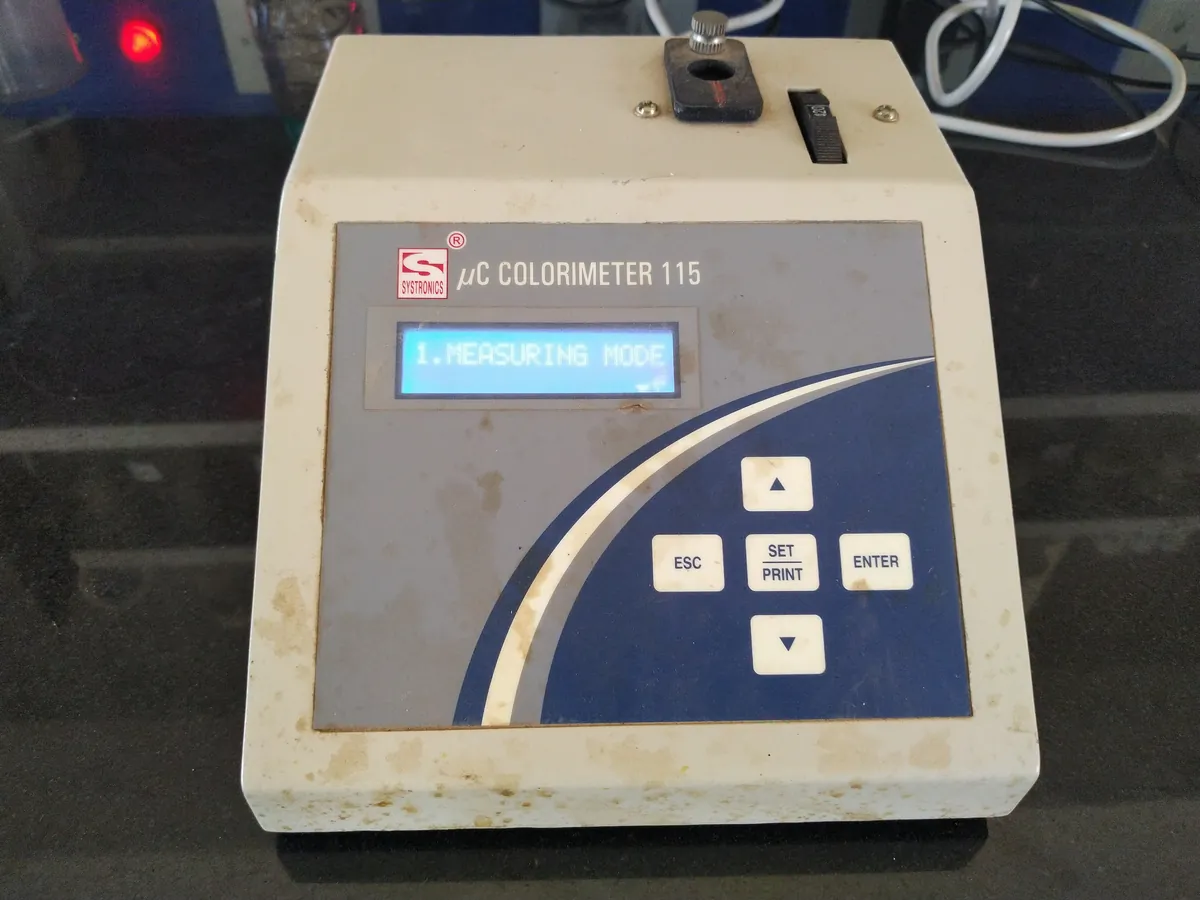
Colorimeter / colour spectrophotometer
Measures the colour of a surface or liquid as numbers in a standard colour space such as CIE L*a*b*, and the colour difference (ΔE*) from a standard. Used for batch-to-batch colour matching of paints, plastics, chemicals and cosmetics.
- Paints & coatings
- Polymers & plastics
- Chemicals
- Oils & fats
- Textiles
- Cosmetics
- Food
Follow your site SOP
This is a typical operating sequence for learning. Your instrument model and approved SOP take precedence.
STAGE 1
Before you start
- 1Switch on and allow the instrument to warm up for the time in the manual.
- 2Check that the white tile serial number matches the instrument and is within its certification date.
- 3Select the measurement mode, geometry, aperture, illuminant/observer and SCI/SCE as the method specifies.
- 4Calibrate: black (zero) first, then white tile, then verify with a check tile.
- Keep calibration tiles clean and dry; handle by the edges only.
STAGE 2
Measurement
- 1Present the sample in a fixed, repeatable way: flat, opaque (or over a standard backing), and covering the whole aperture.
- 2For liquids, use clean matched cells of the specified path length and set a blank (often distilled water) as the method says.
- 3Measure the standard and the batch with the same settings; take several readings and average.
- 4Read ΔL*, Δa*, Δb* and ΔE* and compare with the tolerance.
- Temperature-sensitive (thermochromic) samples change colour with heat; measure at a fixed temperature.
STAGE 3
After use
- 1Store tiles in their cases away from light and dust.
- 2Clean the port and any cells; close the software session.
- 3Record calibration and measurements in the log.
In LimsPulse · Calibration Management
Keep every Colorimeter in control: usage logs, calibration and maintenance schedules, and automatic blocking of overdue instruments.