Stability chamber · Calibration procedure
Sensor calibration
Compares the chamber's control and monitoring temperature and RH readings with a calibrated reference instrument placed next to the sensors.
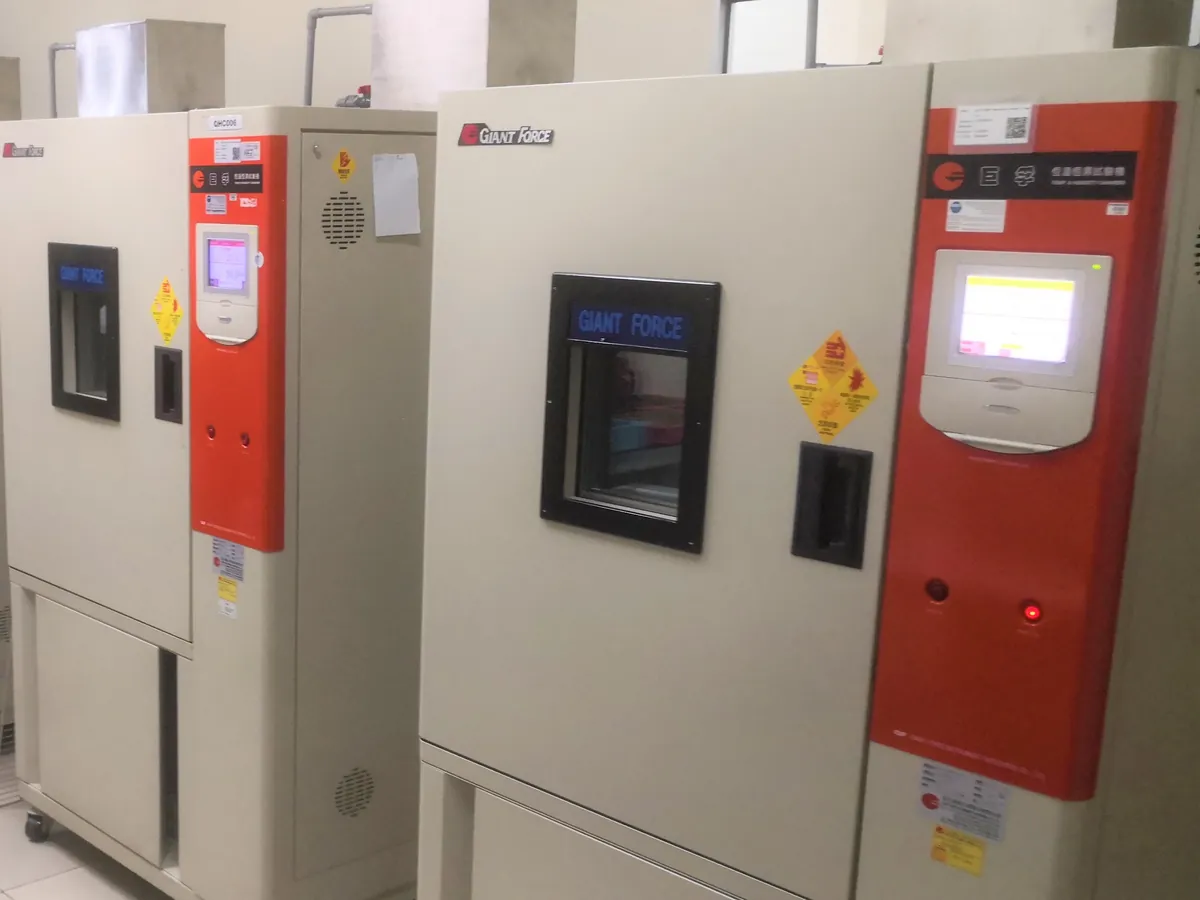
PURPOSE
Why this is checked
If the controller reads wrongly, the whole chamber runs at the wrong condition even though the display looks correct. Calibration finds the error of each sensor so it can be corrected or adjusted.
Frequency
Typically every 6 or 12 months, and after sensor replacement, as defined in your calibration SOP.
Learn how the Stability chamber worksYOU WILL NEED
Standards & tools
- Reference thermometer (e.g. Pt100 with indicator) with a valid calibration certificate
- Reference hygrometer (e.g. chilled-mirror or calibrated capacitive probe) with a valid certificate
BEFORE YOU START
Prerequisites
- Reference probe stabilised next to the chamber sensors
- Chamber stable at the set point for at least 30 minutes
PROCEDURE
Step by step
- 1Place the reference probe as close as possible to the chamber's control and monitoring sensors.
- 2Let readings stabilise at the first set point (e.g. 25 °C/60% RH).
- 3Record the reference reading and the chamber display (and monitoring system) at least three times a few minutes apart.
- 4Repeat at each condition the chamber is used for (e.g. 30 °C/65% RH and 40 °C/75% RH).
- 5Calculate the error of each sensor at each point. Adjust the offset if the SOP allows, and record as-found and as-left values.
RECORD
Example observation table
| Set point | Reference | Chamber display | Error |
|---|---|---|---|
| 25 °C | 25.08 °C | 25.2 °C | +0.12 °C |
| 40 °C | 40.05 °C | 40.3 °C | +0.25 °C |
| 60% RH | 60.4% RH | 61.0% RH | +0.6% RH |
| 75% RH | 74.2% RH | 75.0% RH | +0.8% RH |
CALCULATION
How to calculate the result
Error = Chamber reading − Reference reading
- At 40 °C the reference reads 40.05 °C and the display reads 40.3 °C
- Error = 40.3 − 40.05 = +0.25 °C
- At 75% RH the reference reads 74.2% and the display 75.0%: error = 75.0 − 74.2 = +0.8% RH
- Both errors are within typical limits of ±0.5 °C and ±3% RH
ACCEPTANCE CRITERIA
Pass if
- Temperature sensor error typically within ±0.5 °C (some SOPs allow ±1.0 °C).
- RH sensor error typically within ±3% RH (some SOPs allow ±5% RH).
- Use the limits in your approved SOP.
IF IT FAILS
What to do
- Adjust the sensor offset (if allowed) and record as-found and as-left readings.
- Replace a sensor that cannot be adjusted into limits.
- Assess as-found errors for impact on stored samples since the last calibration.
MORE
Other Stability chamber calibrations
In LimsPulse · Calibration Management
LimsPulse schedules this calibration, records the result against limits, and blocks the instrument everywhere if it fails or goes overdue.