Hot air oven · Calibration procedure
Temperature accuracy
Compares the oven's displayed temperature with a calibrated reference thermometer at the set points used in the lab.
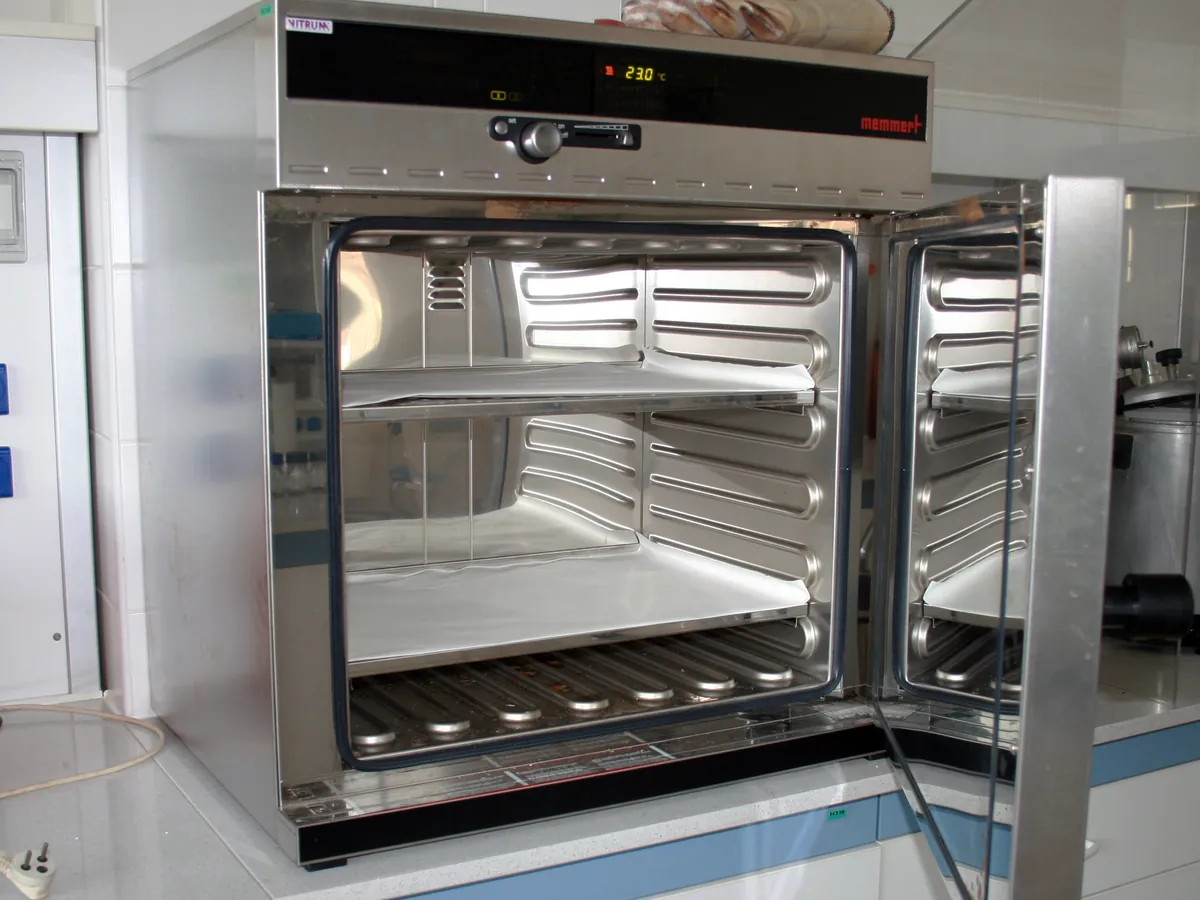
PURPOSE
Why this is checked
LOD and drying results depend on the actual temperature. If the display reads differently from the chamber, samples may be under- or over-dried.
Frequency
Typically every 6 or 12 months, and after repair, as defined in your calibration SOP.
Learn how the Hot air oven worksYOU WILL NEED
Standards & tools
- Calibrated digital thermometer or data logger with a probe, traceable to national standards (resolution 0.1 °C)
BEFORE YOU START
Prerequisites
- Empty, clean oven
- Probe placed at the centre of the chamber near the controller sensor, not touching any surface
- Probe lead routed so the door seals properly
PROCEDURE
Step by step
- 1Set the oven to the first set point (for example 60 °C) and allow it to stabilise for at least 30 minutes after reaching it.
- 2Record the displayed and reference temperatures several times over about 15 minutes and take the mean.
- 3Repeat at each working set point (for example 105 °C and 150 °C).
RECORD
Example observation table
| Set (°C) | Display (°C) | Reference (°C) | Difference (°C) |
|---|---|---|---|
| 60 | 60.0 | 60.8 | +0.8 |
| 105 | 105.0 | 104.1 | −0.9 |
| 150 | 150.0 | 151.3 | +1.3 |
CALCULATION
How to calculate the result
Difference = Reference reading − Set temperature
- Set 105 °C, reference 104.1 °C
- Difference = 104.1 − 105 = −0.9 °C (within ±2 °C)
ACCEPTANCE CRITERIA
Pass if
- Reference reading within ±2 °C of the set temperature (use the limit in your SOP; LOD at 105 °C is commonly required within ±2 °C).
IF IT FAILS
What to do
- Check probe position and door seal, then repeat.
- Adjust the controller offset as per the manufacturer's procedure and repeat.
- If it still fails, label the oven 'Out of calibration' and assess LOD results since the last pass.
MORE
Other Hot air oven calibrations
In LimsPulse · Calibration Management
LimsPulse schedules this calibration, records the result against limits, and blocks the instrument everywhere if it fails or goes overdue.