Centrifuge · Calibration procedure
Timer verification
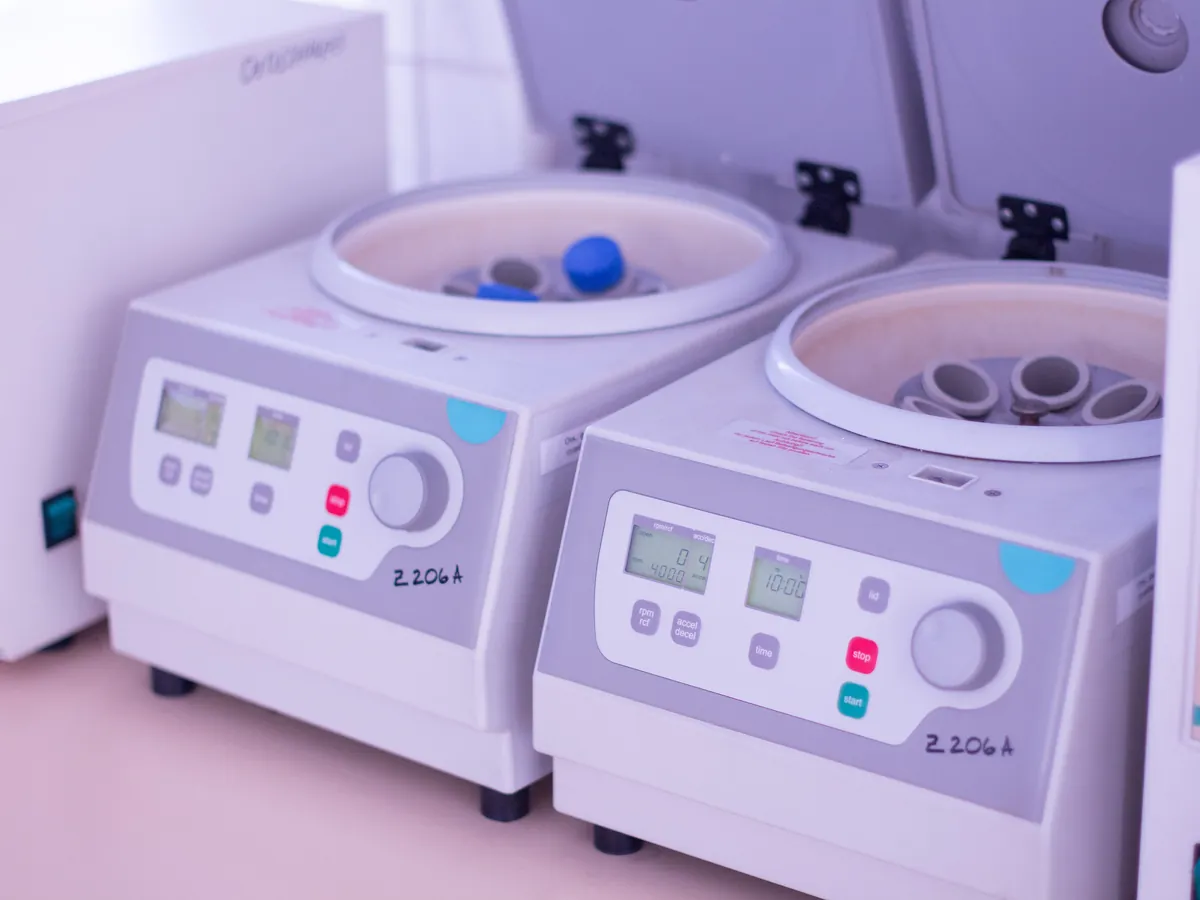
Checks the centrifuge run timer against a calibrated stopwatch.
PURPOSE
Why this is checked
Methods specify a centrifugation time. A timer that runs short gives incomplete separation; one that runs long wastes time and may warm samples.
Frequency
Typically together with speed verification, every 6 or 12 months, as defined in your calibration SOP.
Learn how the Centrifuge worksYOU WILL NEED
Standards & tools
- Calibrated stopwatch traceable to national standards
BEFORE YOU START
Prerequisites
- Rotor balanced and lid closed
- Know whether the timer counts from start or from reaching set speed (check the manual)
PROCEDURE
Step by step
- 1Set the timer to a short and a long time used in methods, e.g. 10 and 30 minutes.
- 2Start the stopwatch at the same moment as the run (or when set speed is reached, depending on the timer mode).
- 3Stop the stopwatch when the timer ends (deceleration starts).
- 4Record the measured time and calculate the % error.
RECORD
Example observation table
| Set time | Set (s) | Stopwatch (s) | % error |
|---|---|---|---|
| 10 min | 600 | 603 | +0.50 |
| 30 min | 1800 | 1802 | +0.11 |
CALCULATION
How to calculate the result
% error = (Measured time − Set time) ÷ Set time × 100
- Set 10 min = 600 s; stopwatch reads 603 s
- % error = (603 − 600) ÷ 600 × 100 = +0.50%
ACCEPTANCE CRITERIA
Pass if
- Timer typically within ±2% of the set time (or a fixed limit such as ±10 s), as defined in your SOP.
IF IT FAILS
What to do
- Label the centrifuge and arrange service of the controller.
- Use a calibrated external timer temporarily only if your SOP allows.
MORE
Other Centrifuge calibrations
In LimsPulse · Calibration Management
LimsPulse schedules this calibration, records the result against limits, and blocks the instrument everywhere if it fails or goes overdue.